ONE PLATFORM
TeamViewer ONE
Everything your IT team needs in one intelligent stack — remote access, digital workplace, and AI working together.
 TeamViewer
The next era of endpoint management
Predict issues, automate remediation, and keep every device running smoothly — before your helpdesk even gets the call.
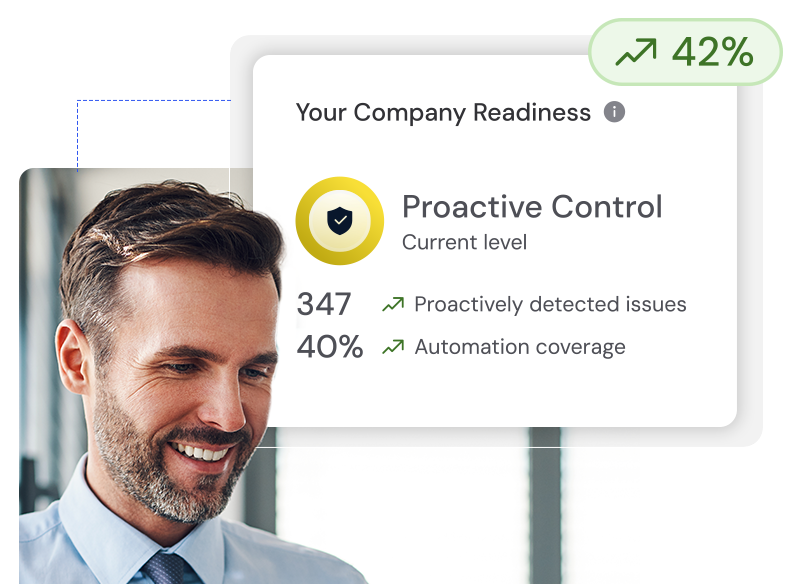
Everything your IT team needs in one intelligent stack — remote access, digital workplace, and AI working together.
Scale field operations with AR-guided sessions across warehouses, production lines, and remote sites.
Learn more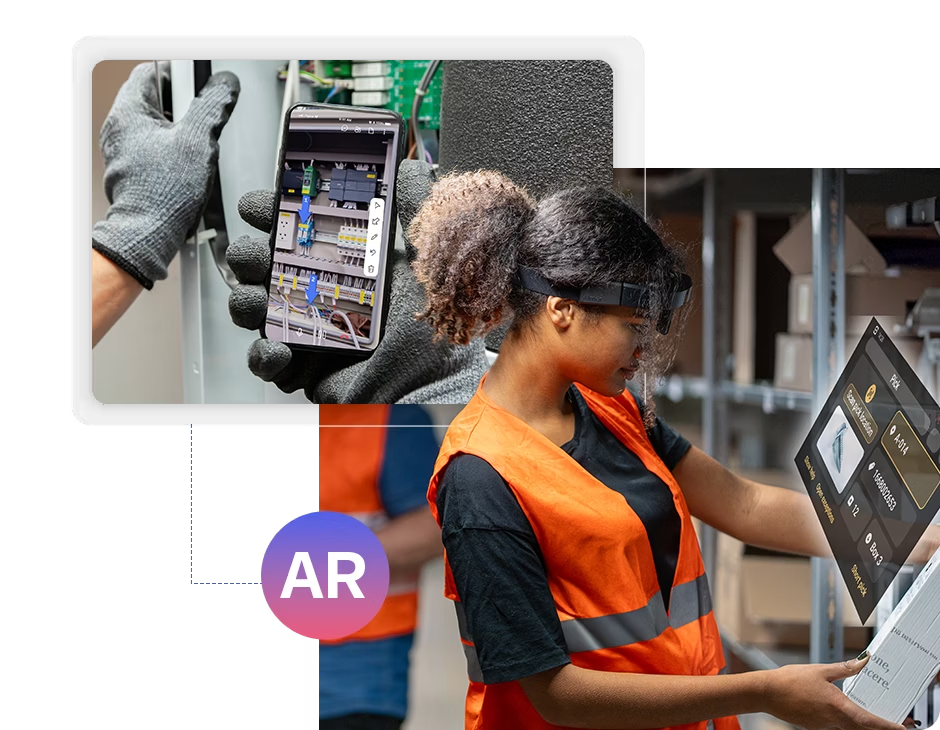 AR
AR
Continuous monitoring catches drift and applies patches while your helpdesk queues stay quiet.
Learn more
Tia, your AI agent, learns from every support session — predicting failures, recommending fixes, and automating repetitive tasks across your fleet.
Session summaries free your experts for complex work while Tia builds playbooks that cut digital friction before users ever feel it.
Learn moreTia
Your AI agent
Improve the IT and employee experience


RTL Studios saves 20% time in post production with TeamViewer Tensor.


Radius relies on TeamViewer to scale its IT support.
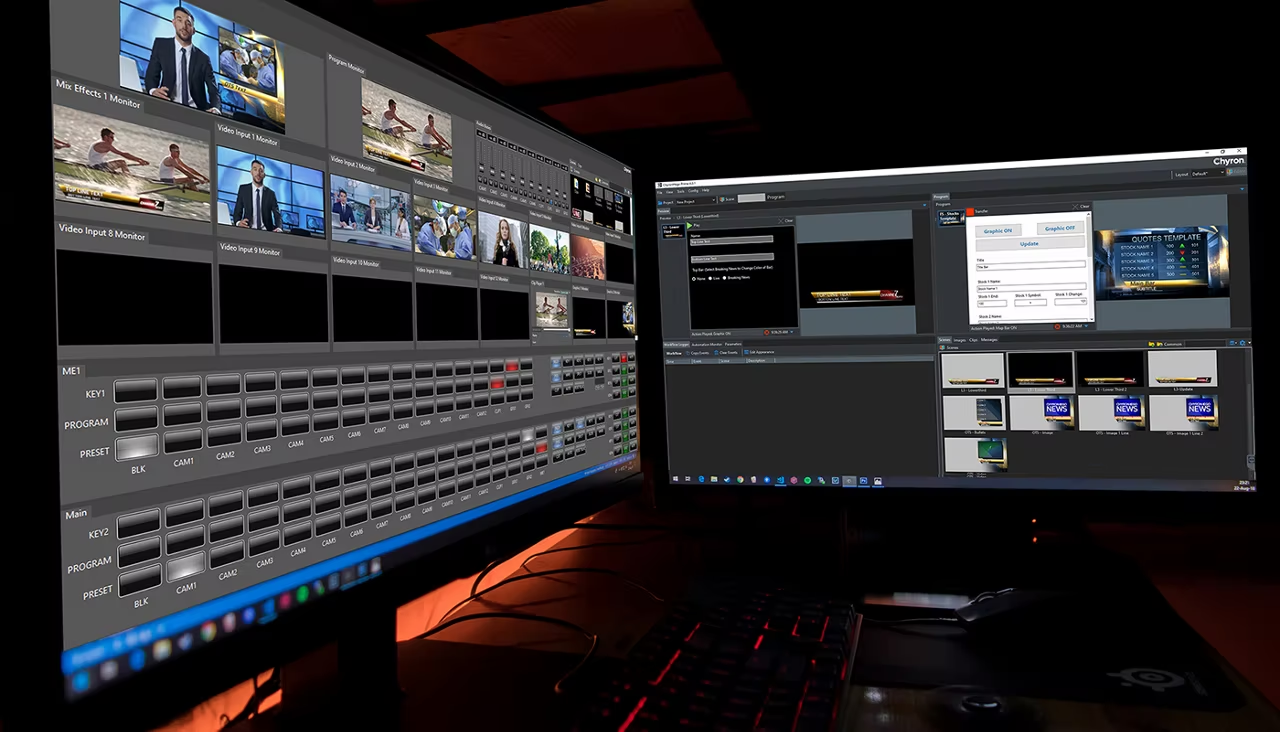

TeamViewer Tensor touted as MVP solution for ChyronHego's sports broadcasting needs.

What the current Windows build delivers out of the box. See the full breakdown on the features page.
All featuresConnect with a partner ID and password, or set up unattended access for machines you manage regularly.
Move files between devices during a session and send jobs to printers on the remote side.
Talk to the person at the other end without opening a separate conferencing app.
Share a one-time link for quick help; recipients without TeamViewer can use QuickSupport.
From service desks to factory floors, teams rely on secure remote access every day.
Service desks resolve tickets from any location. TeamViewer DEX adds endpoint visibility and automated fixes before users file incidents.
Access an office PC from a laptop at home. Install software, pull files, and keep working as if you were on site.
Help parents or friends fix printer issues, update drivers, or clear malware without driving across town.
Manufacturers diagnose production equipment remotely. AR workflows on Frontline guide on-site staff through repairs.
Remote desktop tools share basics; differences matter for security, licensing, and daily IT work.
| Criteria | TeamViewer | AnyDesk | Chrome Remote Desktop | Microsoft Remote Desktop |
|---|---|---|---|---|
| Session encryption | AES 256-bit, RSA 4096 | TLS 1.2, RSA 2048 | AES 128-bit over HTTPS | RDP with NLA |
| File transfer in session | Yes | Yes | No dedicated panel | Via redirected drives |
| Cross-platform clients | Win, Mac, Linux, Android, iOS | Win, Mac, Linux, mobile | Chrome, mobile apps | Win, Mac, iOS, Android |
| Free personal tier | Yes, non-commercial | Yes, private use | Yes | Yes for personal hosts |
| Unattended access | Yes (Host install option) | Yes | Limited | Yes with configured PC |
Before you run any installer, compare the SHA256 hash of your downloaded EXE against the published value for build 15.79.4.0.
ead246747c3a979c89ef4ffe8819dfcd8e504def010b6e09e2b543882e568eac
Independent mirrors report clean VirusTotal scans. Remote-access tools are sometimes flagged heuristically; see our guides if your antivirus blocks the installer.
Trust and security policyReal feedback pulled from software directories and community reviews.
★★★★★Versatile for remote support. Works on Mac and Android too — download, install, and try it yourself.
★★★★★Great for sharing desktops with team members. File transfer during sessions saved me a trip to the office.
★★★★★Free version works great for family help. You need a paid license for client work, but it's worth it for personal use.
Quick answers before you download or start a remote session.
80.1 MB installer. Verify the SHA256 hash on our download page before you run the EXE.
Go to download page